Explore it.
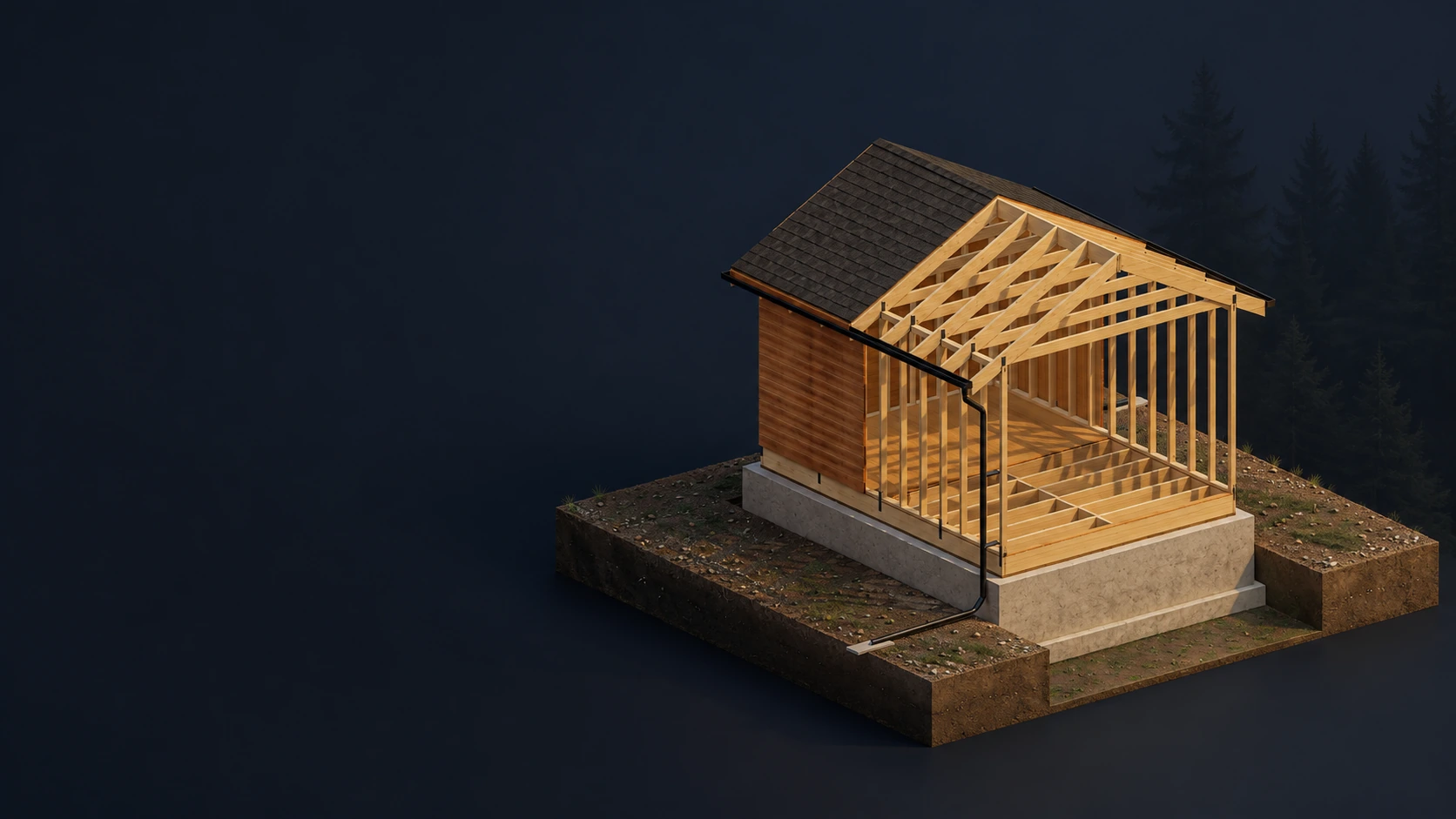
Get close to a 3D model. Find out what every part does.

Commander Academy
Engineering missions · Ages 10–14Explore in 3D. Test your ideas. Build a shelter you understand, from the ground up.
First 5 lessons free. No sign-up needed.
Teaching what lasts.
Illustrated shelter concept60connected missions
10campaigns to explore
Interactive 3D learning
Your pace. Your discoveries.
The training grounds · Frame Corps
A rectangle can lean. A triangle holds its shape. Sometimes one small change makes all the difference.
Give this frame a push. Then add a diagonal and see what changes.
Explore the full 3D lesson FIELD EXERCISE 01Frame & force
The frame changes shape.
An ideal pin-jointed model. Movement is exaggerated to show the idea.
Get close to a 3D model. Find out what every part does.
Change a load or a dimension. See the numbers respond.
Solve the challenge, explain your thinking, and build on it.
The campaign trail · 01–60
Sixty connected missions. Build your shelter, then put your learning to work for people.
Chapter I · Missions 01–30
From your first timber frame to a shelter that keeps its people safe.
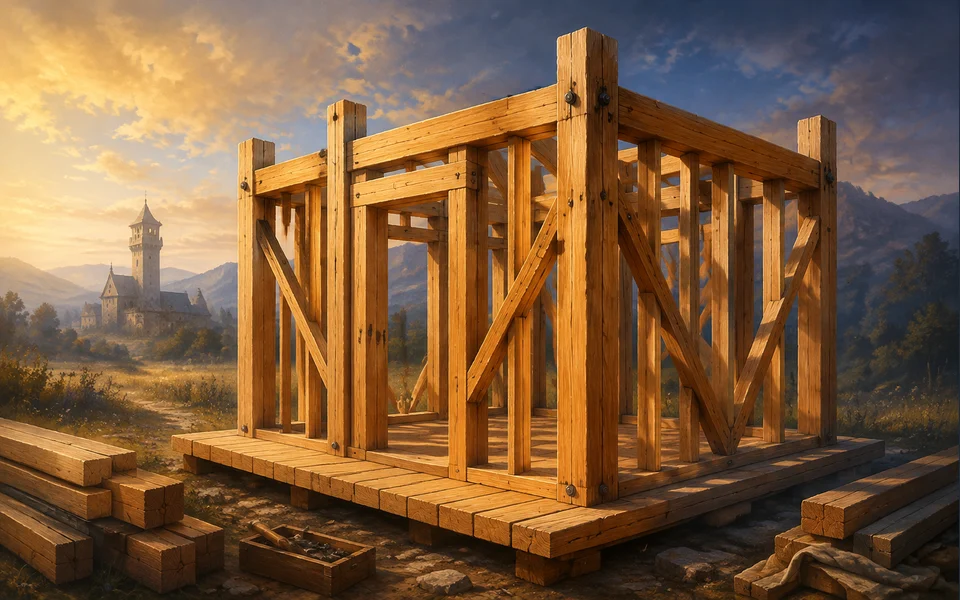
Missions 01–06
Raise a wall. Make it square. Give your shelter its shape.
Explore campaign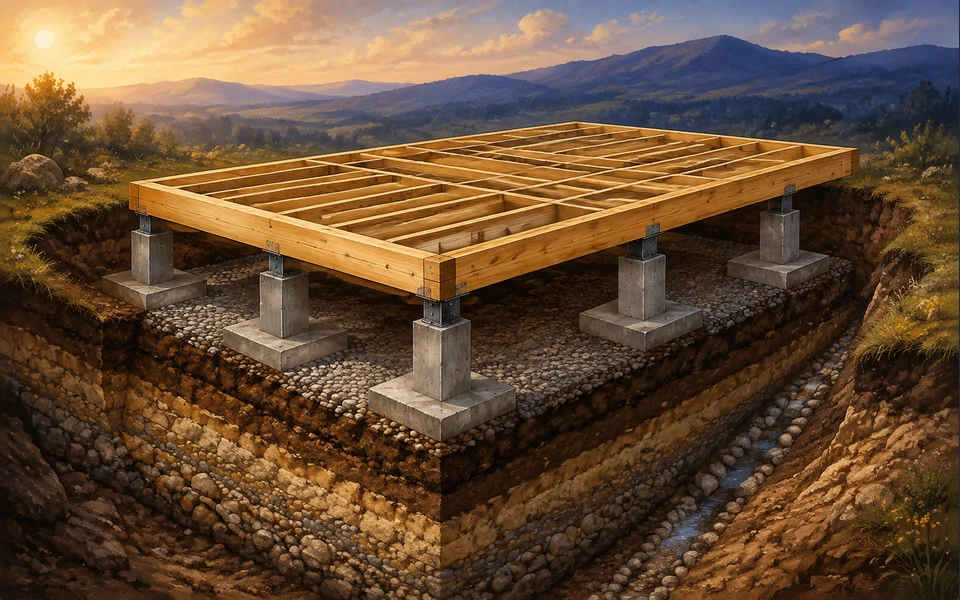
Missions 07–12
Read the land and build a foundation you can count on.
Explore campaign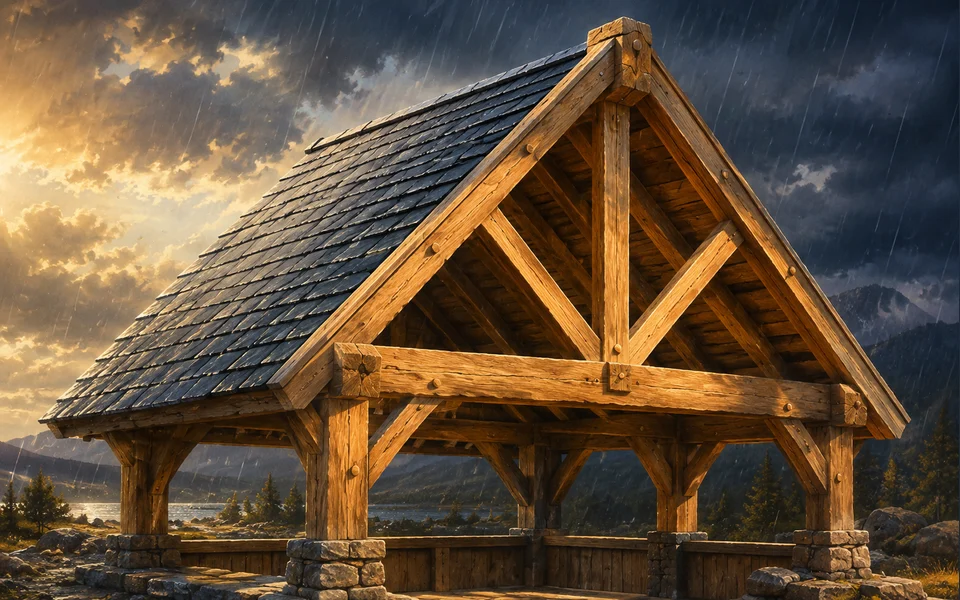
Missions 13–18
Find the strength in a triangle. Stand up to the weather.
Explore campaign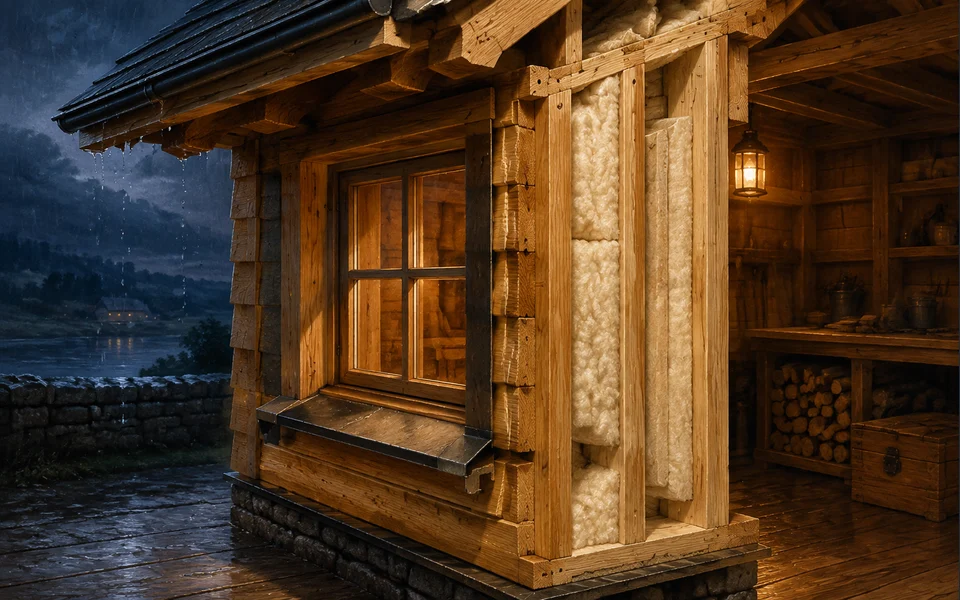
Missions 19–24
Keep the rain out, the warmth in, and the details right.
Explore campaign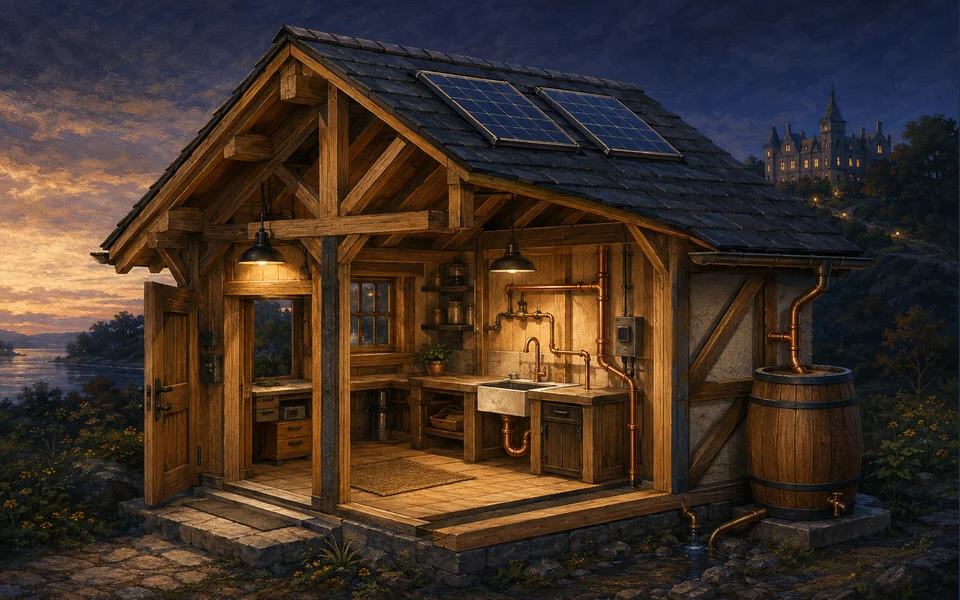
Missions 25–30
Bring water, light, air and safety into the picture.
Explore campaignChapter II · Missions 31–60
Plan a shared workshop, understand its connections and care for the systems people depend on.
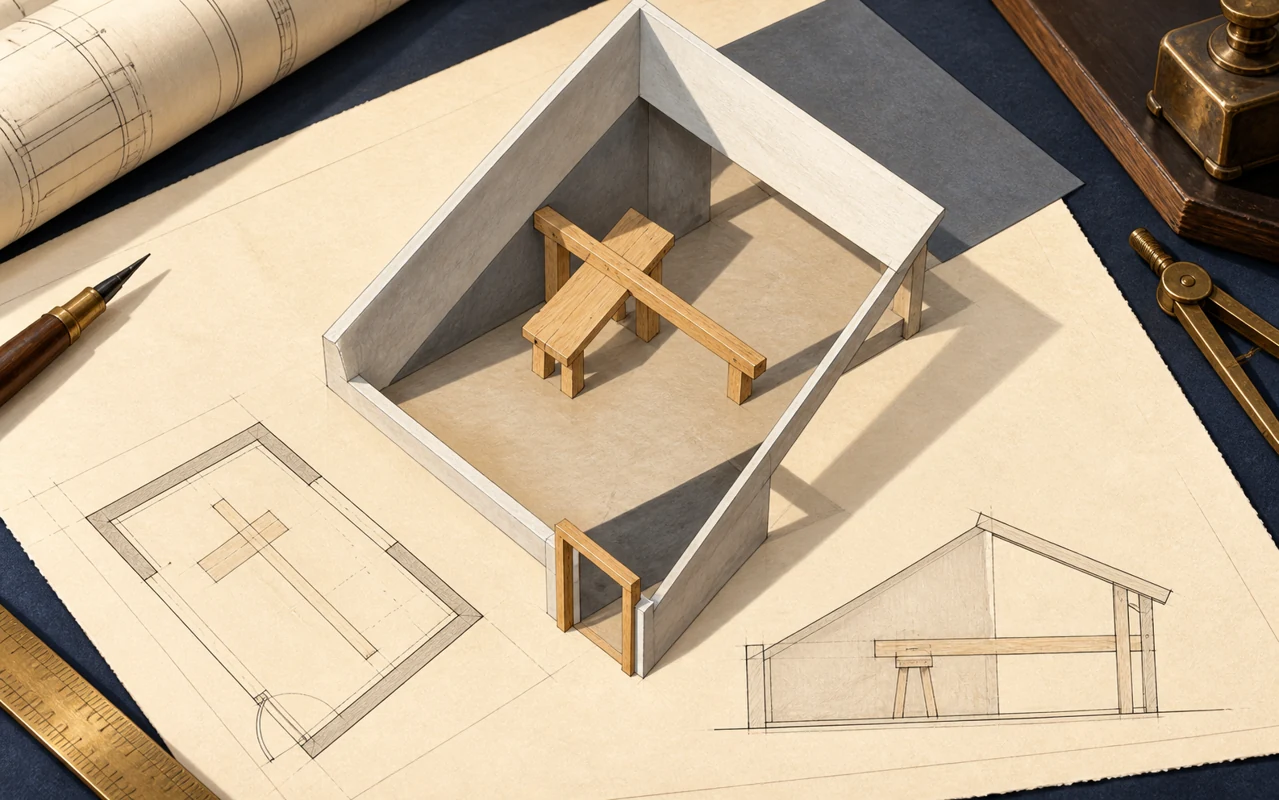
Missions 31–36
Read the drawings. Make space. Prove your plan with evidence.
Explore campaign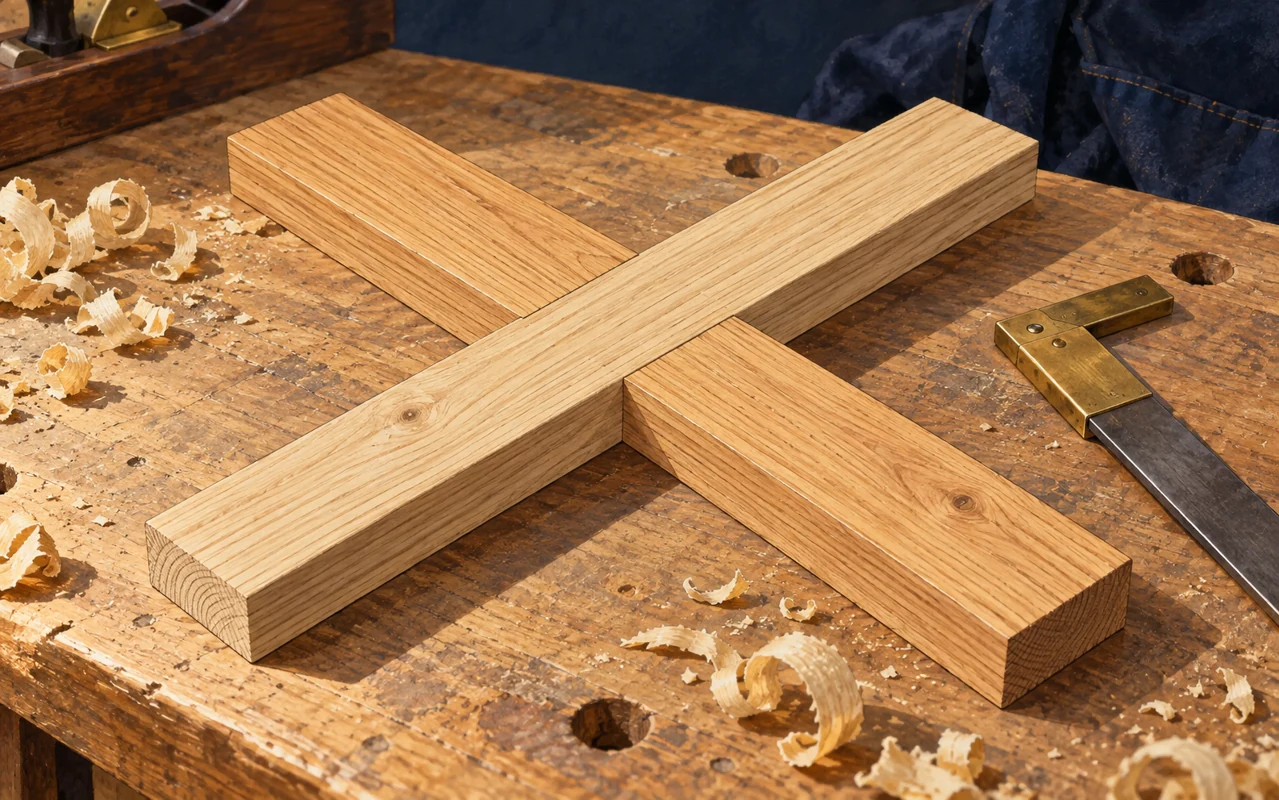
Missions 37–42
Read the grain, fit a joint and follow the load through each connection.
Explore campaign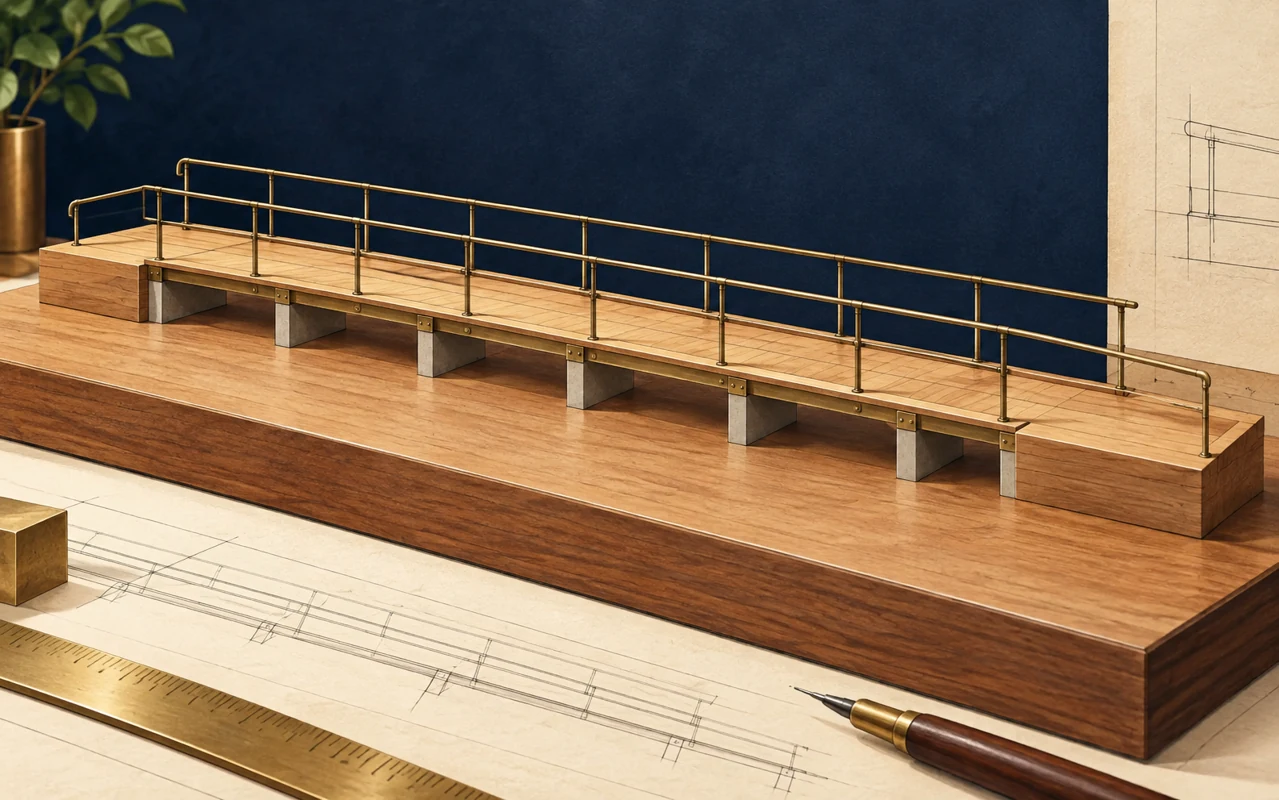
Missions 43–48
Make an entrance that welcomes people and rooms that feel comfortable.
Explore campaign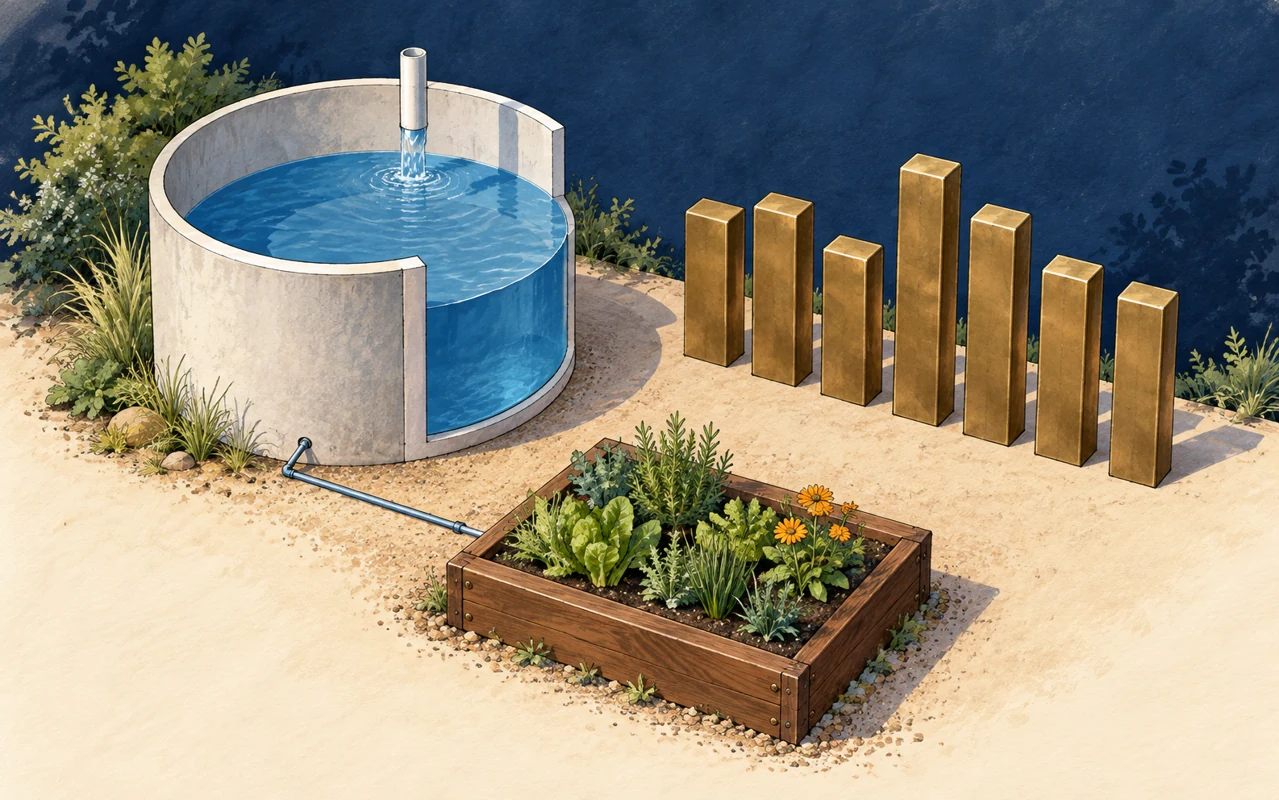
Missions 49–54
Follow every gallon and watt-hour. Plan for the days with less.
Explore campaign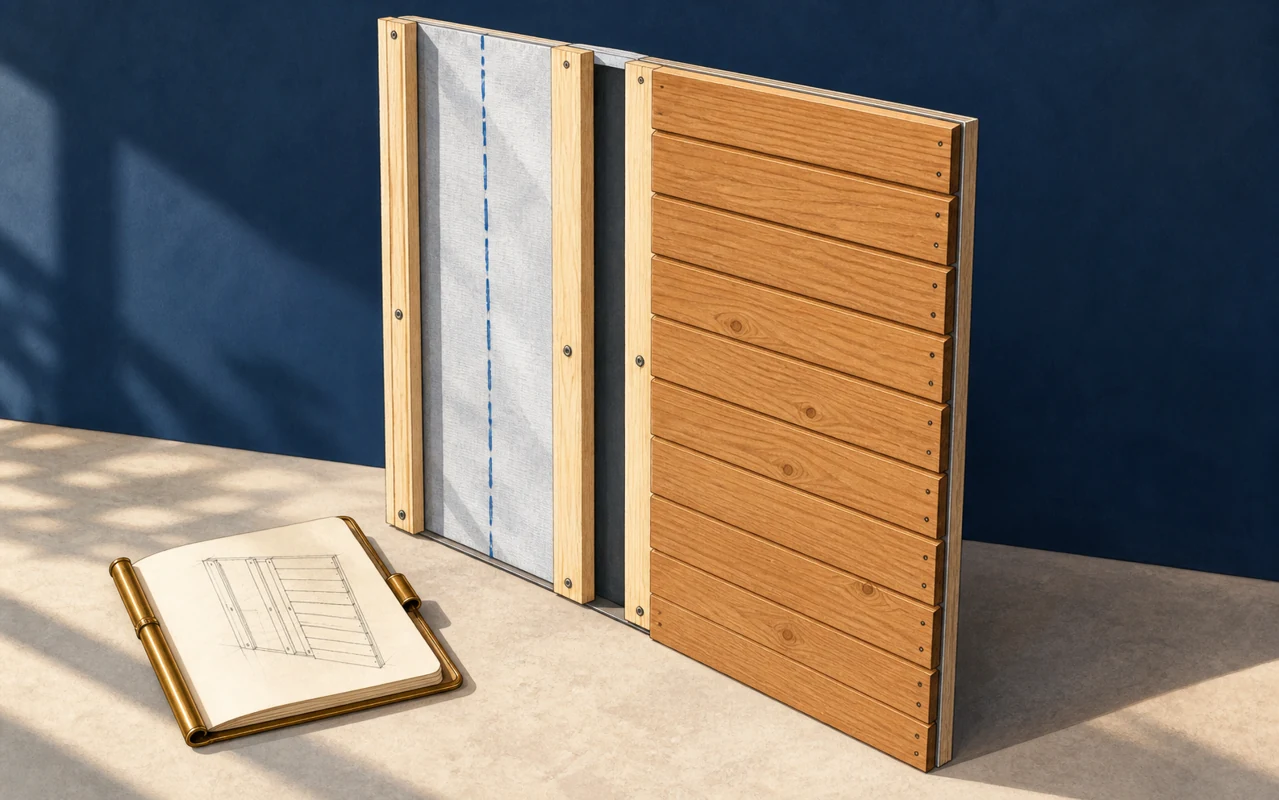
Missions 55–60
Find the cause. Make a careful repair. Leave records that last.
Explore campaignThe first five missions are yours to explore, free.
See all 60 missionsIllustrated campaign covers · Explore each campaign for the interactive 3D lessons.
For curious kids. And their grown-ups.
Make room for the questions, experiments, and small discoveries that turn into real understanding.
No child account. Learning progress stays on this device.
Pause, revisit an idea, and try again. There’s no race to finish.
You guide the learning and supervise activities away from the screen.
Ages 10–14. A browser, a little curiosity, and 40–60 minutes are enough to begin. No tools or materials are required for the on-screen missions.
Play Atlas and follow the highlighted boards, or read along at your own pace. Each mission moves from an explanation through a build, calculations, and a design to test. The lesson’s Q&A and Field card are always nearby.
Open Adult guide inside a lesson for its specific notes. Supervise Serve activities with a qualified adult. Stay outside work areas and keep tools, live electrical systems, plumbing, and fire equipment out of the activity. This is an educational simulation, not permission or instructions to build a real structure.
Progress stays in this browser on this device. Print a Field card for a paper record. Children never sign in; an adult account manages household access and billing.
Explore a mission togetherYOUR FIRST CHAPTER5 free missions.
A wall. A doorway. A corner.
The beginning of something bigger.
No sign-up. No card. Just curiosity.
$79 onceor$29 / year
One household · All 60 missionsPaid checkout coming soon · View plansGood questions
A few things you might be wondering.
A modern browser with WebGL. Nothing to install. If 3D acceleration is missing, the lesson, numbers lab, assessments, diagrams, and Field Card stay available as text.
Once the Academy file has loaded, fonts and the engine are embedded in that file, so the lesson keeps running with the network off. Progress is stored only in that browser.
Every lesson is marked Ages 10–14. The learner is the child. The account, if you create one, belongs to the adult.
Own the account and any purchase, open the Adult Guide from the lesson menu, supervise Serve missions (they begin “With a qualified adult”), and print Field Cards if you want a paper record. See the mission brief for the full list.
No. Lessons 01–05 need no sign-in. Children never sign in. Progress and Honor stay in the browser on the device where the lesson is played.
If you create an adult account: your email and password with Supabase, your entitlement, and a Stripe customer id if you pay. Nothing about the child. Academy progress is not uploaded.
Yes. One household plan. Progress is per browser, so two children on two devices each keep their own Honor.
Support and refund handling is being set up before checkout opens.